Introduction
Anki and Quizlet are two of the most popular flashcard apps. Anki is for serious learners with its splendid Spaced repetition (SRS) learning method. Quizlet is popular among casual learners with its game-like, fun learning and SNS factors.
You may have tried and given up Anki before because its SRS is too strict. If you skip learning for a weekend or a vacation, you’d be overwhelmed by hundreds of due words. You might feel as if Anki is punishing you for a break.
Also, you might have bad experiences with subscription-based apps like Quizlet if you used it for free. All good features are for paid users, and it annoys you with Ads.
vocaBull 2 (vb2) is a flashcard web app for people like you. You have your life where learning vocabulary might not be the top priority. You have weekends, sick days, vacations and probably days when you don’t feel like learning. vb2 doesn’t punish you after a short or long break.
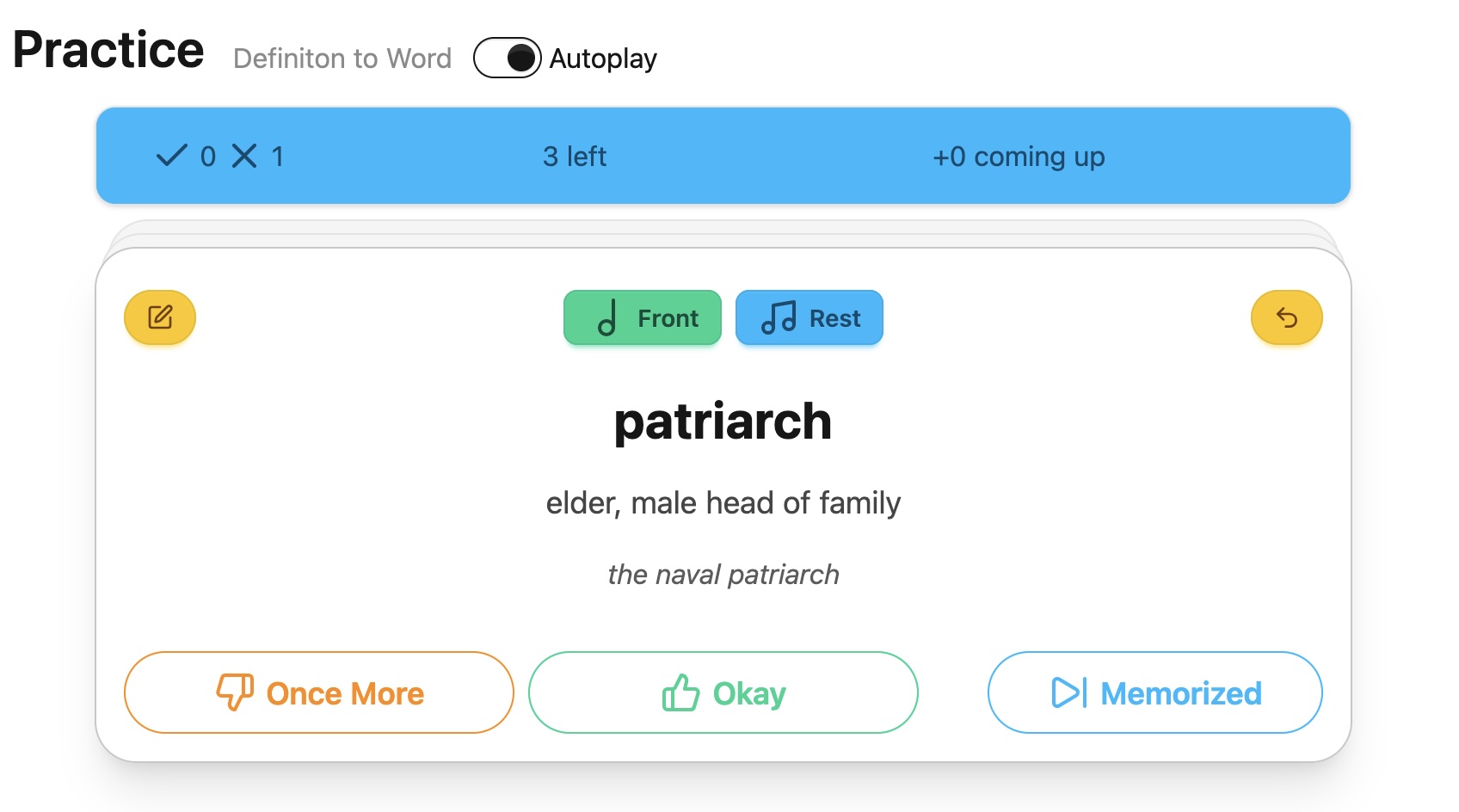
What is vocaBull 2
vb2 adopts the lenient SRS (Spaced-repetition) method. Instead of having due dates, vb2 has due day counters. If you skip learning for 30 days, vb2 decrements the counters by just one day, not 30 days, not flooding you with due words.
vb2 is open-source and completely free. All features are readily available and vb2 doesn’t annoy you with Ads, either. If you are an engineer, you can even deploy vb2 yourself.
All you need is a web browser (eg, firefox, chrome) and your Google account to sign in. If you’d just like to try vb2, it has a demo mode you can try without signing in.
vb2 features include:
- Optimized both for mobile phones and PCs
- Tap and swipe on mobile
- Keyboard shortcuts on PC (of course, mouse, too)
- Pronounce words, definitions and sample sentences
- You don’t need to prepare separate voice data
Autoplayeliminates clicks/taps speak buttons
- Practice offline during a practice session
- Bulk CSV import of words
- Easy to generate various decks if you use AI
- Export and import all books, words and progress
Live demo
If you are interested, try demo-mode from your browser. Click this link: https://achiwa912.pythonanywhere.com/demo
You will be navigated to the live demo. What you see is a word list page (words view) with pre-registered words.
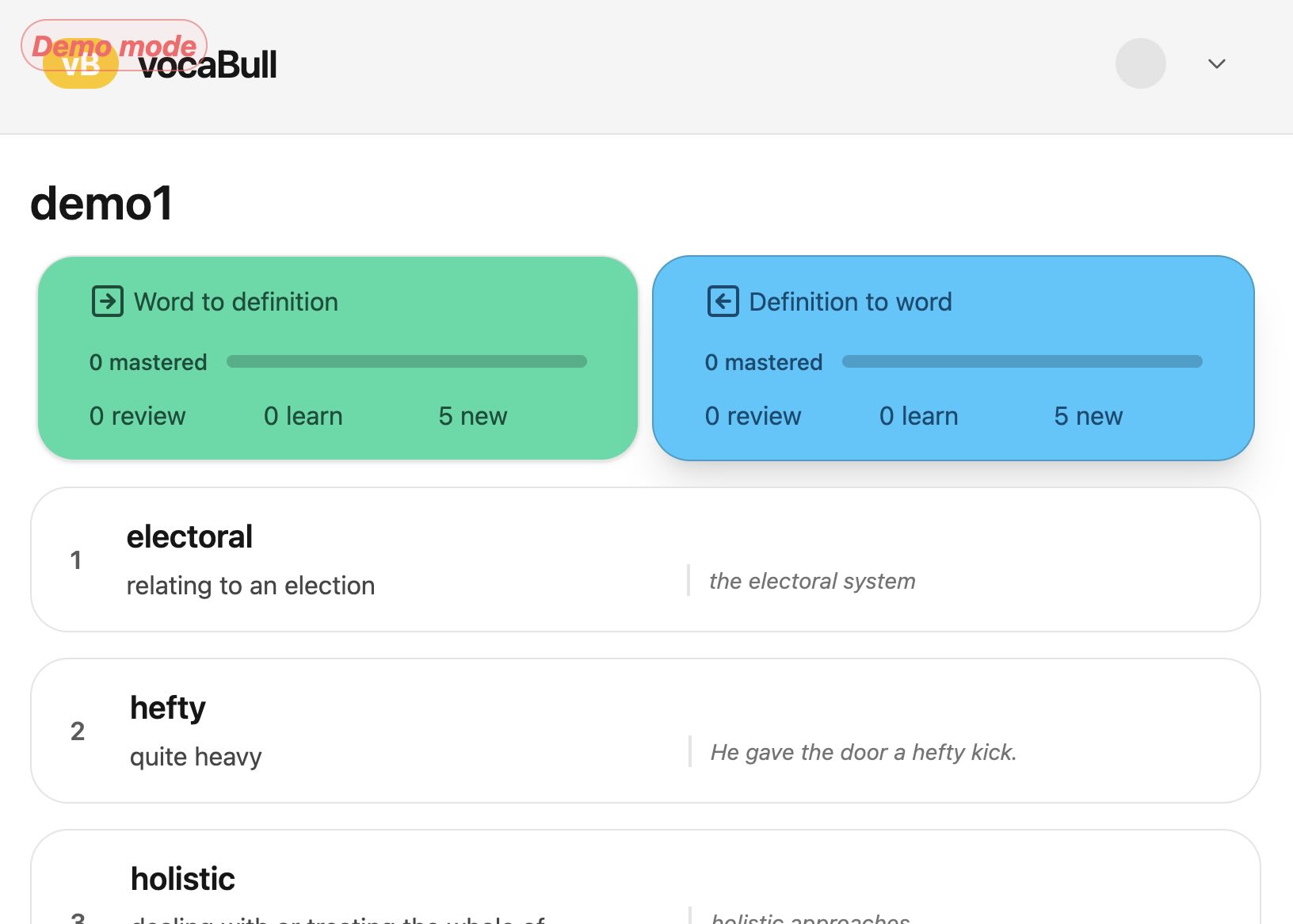
You can try word -> definition (green button) and definition -> word (blue button). Let’s click/tap the green button.
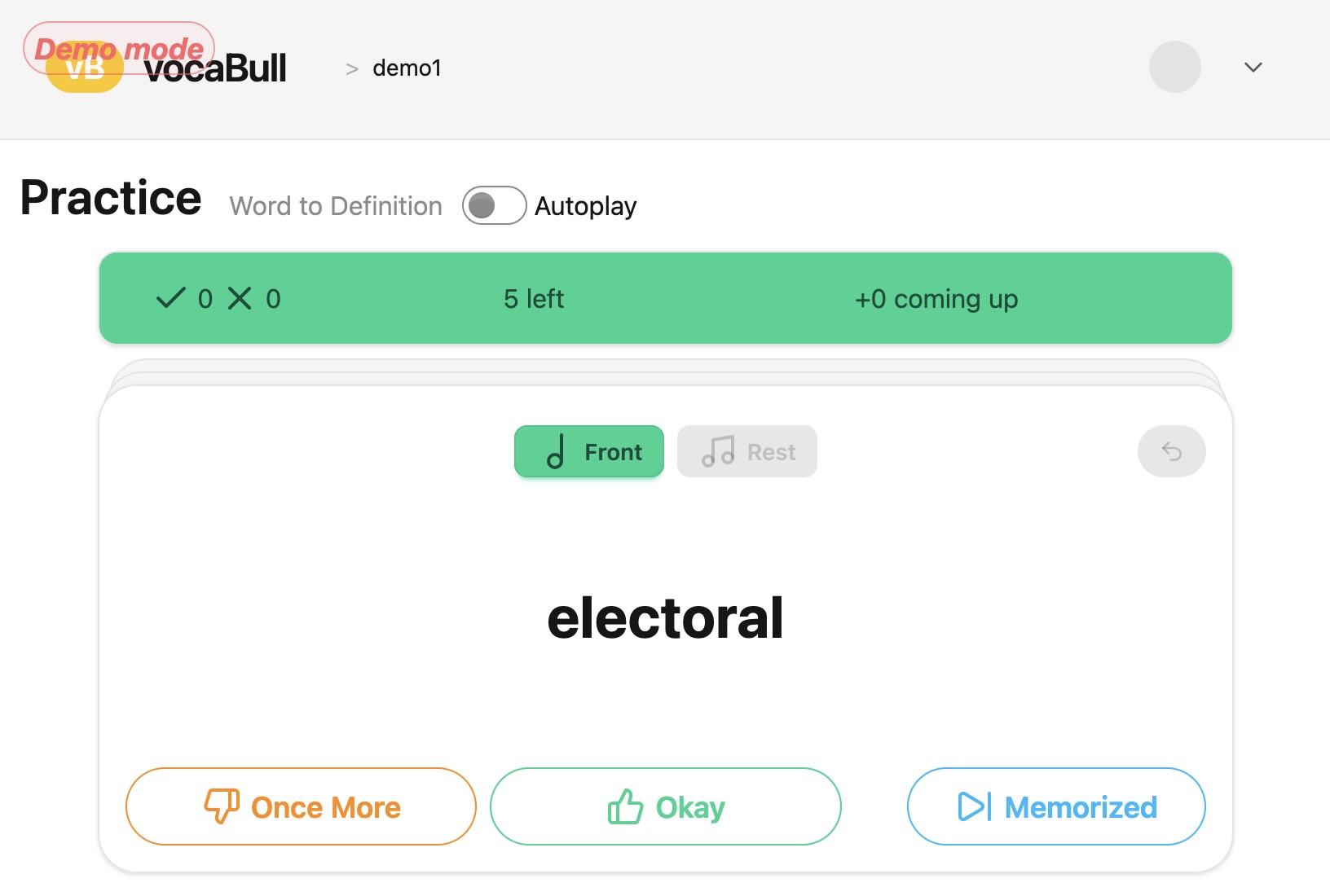
You are navigated to practice page (practice view).
Autoplay
Let’s try learn with voice. Click and enable Autoplay toggle switch.
If your device is not muted, you should be able to hear the browser pronounce the word for you. If you want to hear the word again, you can click the Front button.
If you click the card, it shows the back side, and pronounces the definition and sample sentence.
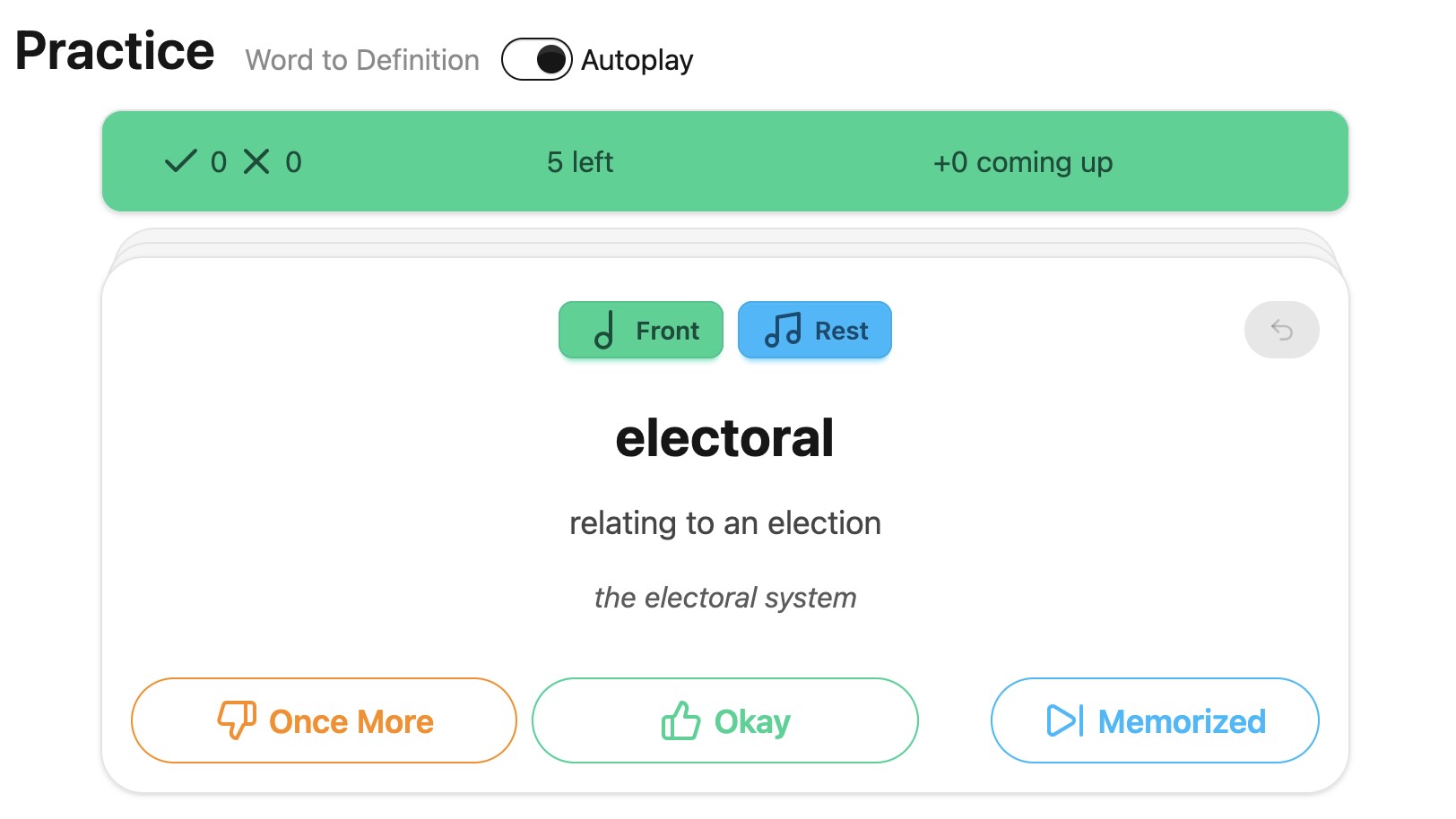
If you flip the card again, you’ll see the front side, pronouncing the word. You can flip as many times as you’d like. Each time you flip, vb2 pronounces the word, or the definition and sample sentence for you.
Practice
If you know the word, click Okay button or swipe the card to the right. The card will appear several cards later. If you click Okay or swipe to the right again, the word is marked as review and you won’t see the card again for today.
The Memorized button marks the word review immediately.
If you click Once More button or swipe the card to the left, you’ll see the card again shortly. If you continue to click Once More or swipe to the left, the word stays in the learning state and will keep appearing until you mark it Okay or Memorized.
If you prefer operating on keyboard, type ? to show help.
Quit demo
Well, that’s how you practice on vb2. SRS (Spaced-repetition) starts when words are of review state, but as it takes a day to show up those words, you can’t try the lenient SRS behavior in this demo.
You can go back to the word list page by clicking/tapping the vocaBull logo in the navigation bar. You can try definition -> word from here, too.
If you are done with the demo, click the top-right menu and choose Quit demo. You will be navigated to the vb2 login page. Please sign in and register your account from here. I hope you’ll like vb2 as your vocabulary building partner.
Last words
For more information on vb2, please read another blog post. If you are an engineer, please visit the github repo at: https://github.com/achiwa912/vb2
Thank you for reading this blog post.
Link to live demo: https://achiwa912.pythonanywhere.com/demo